Emails and invitation management
Use the full potential of your emails
Events thrive on the guests – their enthusiasm and emotions determine the success of an event. Whether customers, visitors, or employees – to inspire your target audience to participate in your event from the very first moment, you need attractive and personalized invitations that look great on any device. With doo's email manager, you can create professional and personalized invitations and see who has already accepted or declined at any time.
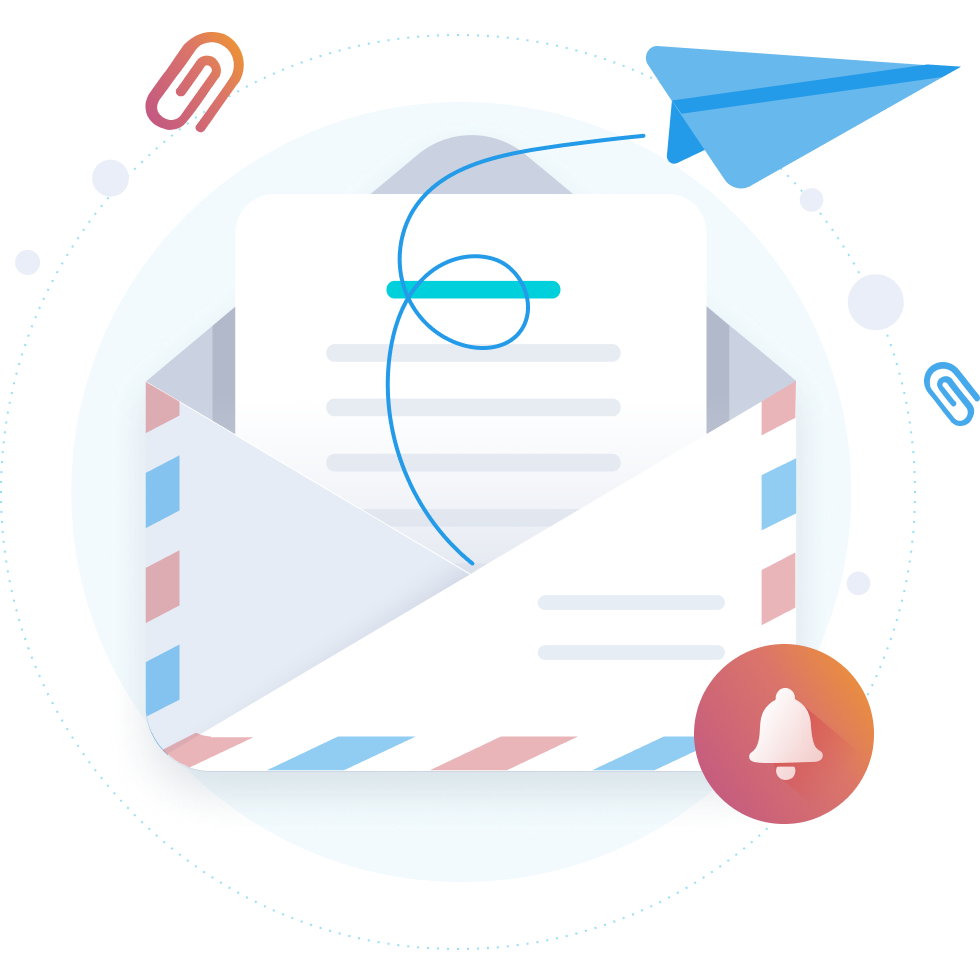
Create engaging and personalized emails
Easily create mobile-optimized and appealing emails using drag and drop – without any programming knowledge.
Email templates in your corporate design make your work easier.
Use the email manager for all use cases in your event communication, whether reminders, information emails, certificate distribution or feedback surveys.
Placeholders, conditional content and data-based segmentation of your contacts enable you to personalize event communication.
Convenient registration for your participants: with target group-specific booking paths and pre-filled registration data, they can register for your event with just a few clicks.
After sending the email it all starts
Measure the success of your email campaigns through click, open, and conversion rates. With granular email activity, you can track the precise behavior of individual contacts at any time.
With the invitation list, you can keep track of where your participants are on their journey - from "Not yet invited" to "Clicked" to "Checked in" - including a cancellation function.
Use your participants' registration information to get to know them better and address them with tailored content in the next invitation.
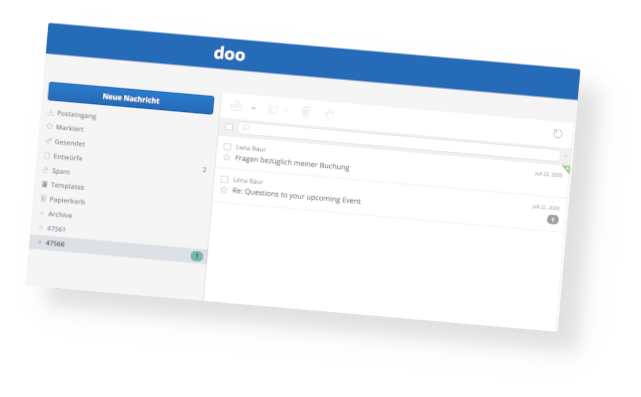
Stay in touch with your guests: with an email inbox specially configured for your events, your team can communicate individually with participants.
Synchronize contact and login data as well as email activities with your CRM or marketing tool to use them across departments in your company and increase your data quality.
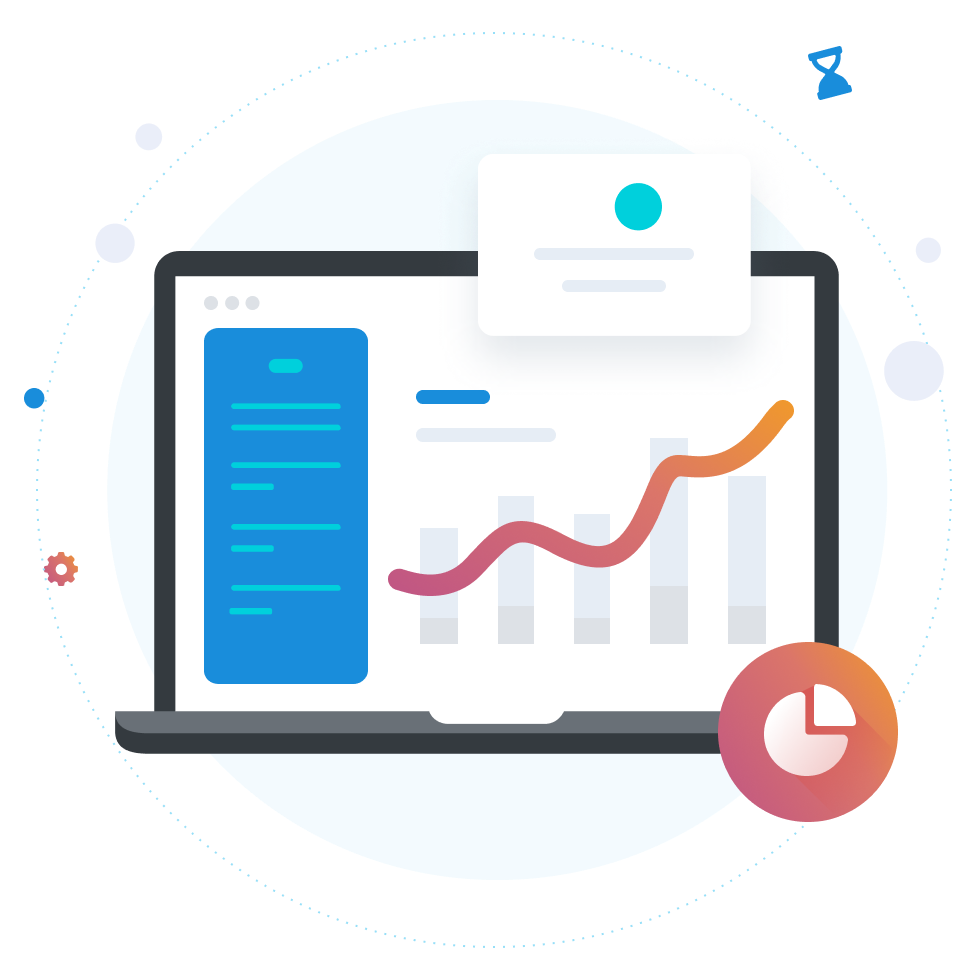
Personalized email communication for events with doo in detail
Email communication as it should be
Easy to use, effective
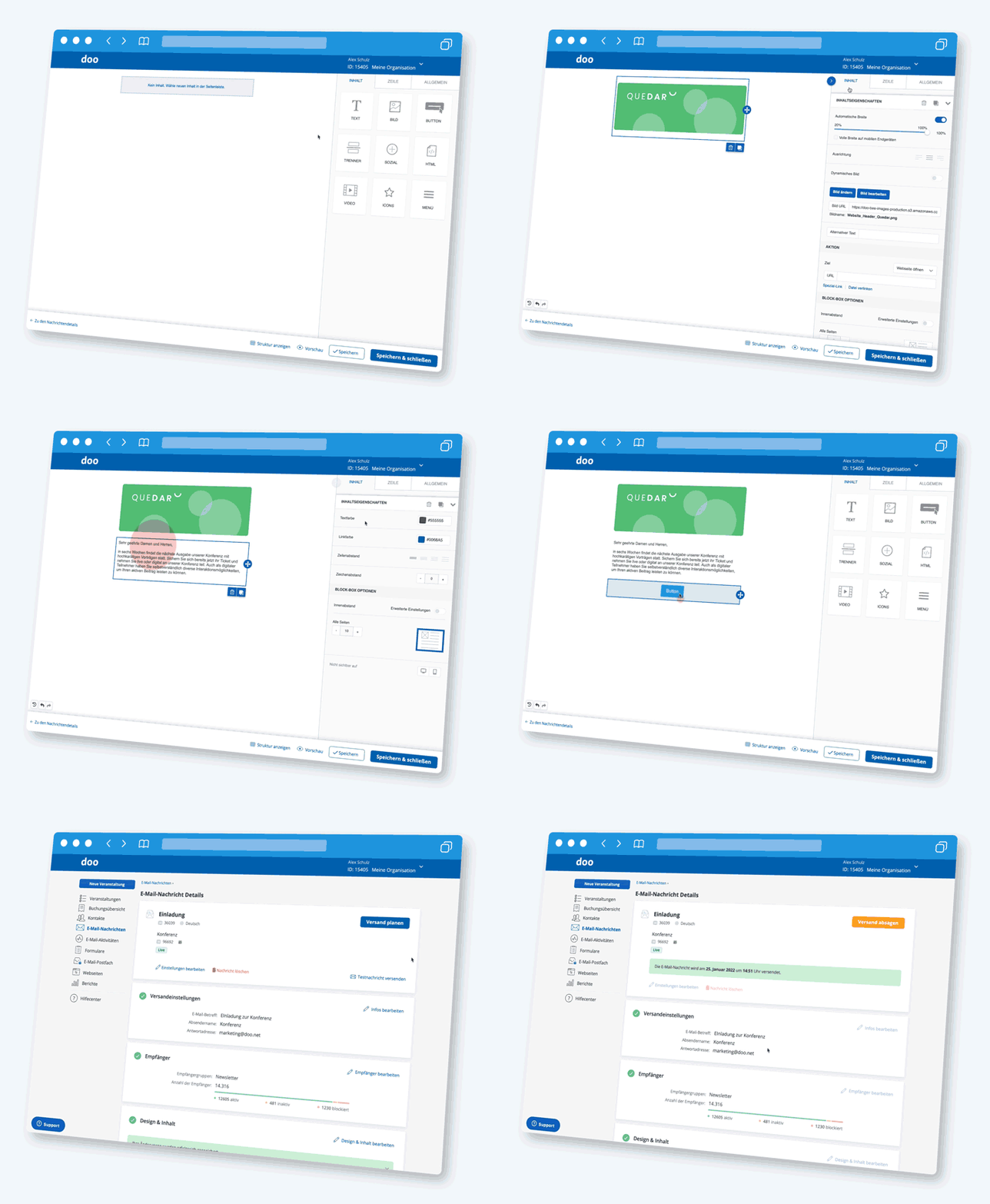
With the email editor, you can create personalized invitations, reminders, or follow-up mailings in no time – quickly and easily using drag & drop. Prepare your emails effortlessly – even days in advance – and send them automatically at the desired time. Provide your participants with useful additional information, for example, by explicitly highlighting the trade fair highlights on the morning of the event.


E-mailings that keep your invitation list up to date
Commitments made easy – including real-time overview
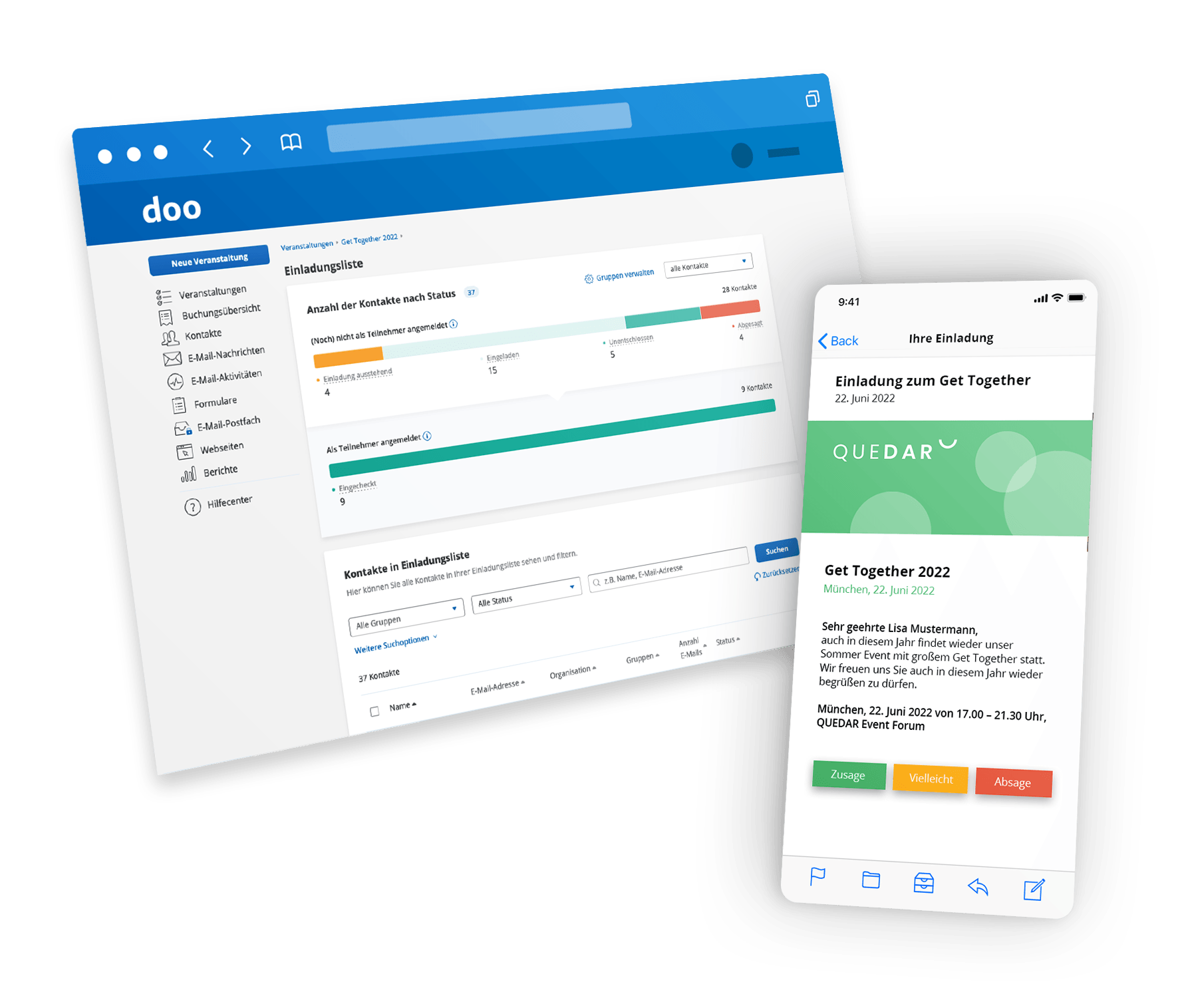
With email invitations, you make it easy for your attendees to accept or decline – simply integrate the corresponding buttons into your email campaigns! Clicking the confirmation button takes you directly to the pre-filled registration form in the respective personalized booking path. All responses from your contacted contacts are reflected directly and in real time in your guest list. This allows you, as the organizer, to respond optimally at any time and maintain an overview of the status of your invitations.

All templates exactly in your corporate design
Consistent brand experience across all touchpoints
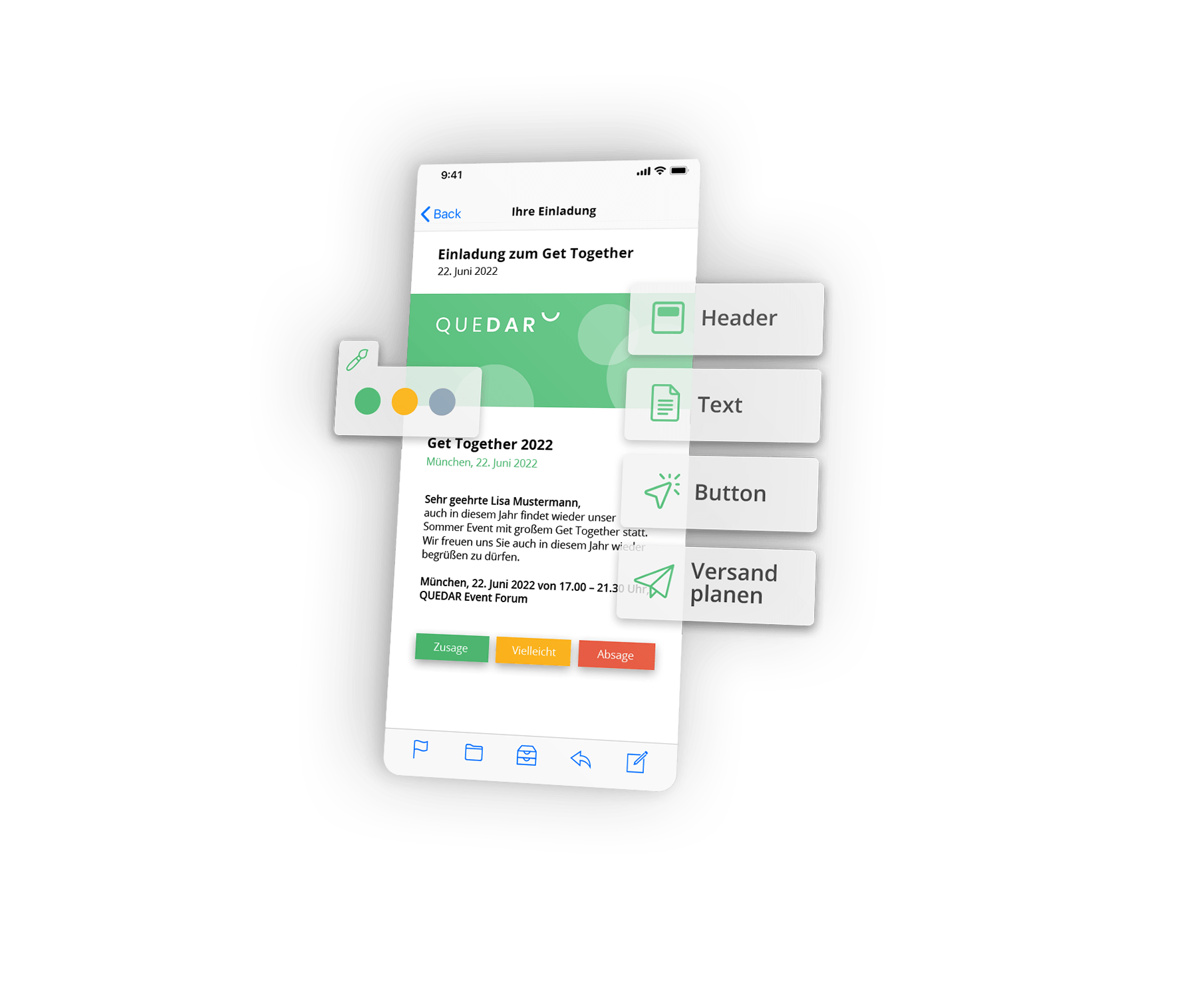
Communication surrounding your event must seamlessly adhere to your corporate identity and design guidelines. No problem with the email editor: Once defined as a template, you can use your design for all events – whether logos, fonts, or colors. This ensures a consistent brand experience from emails to the event website and booking.
Thanks to different role profiles, you can also separate the responsibilities of design and event management at any time. For example, headquarters or the marketing department can create the design templates, while the specialist departments or individual branches can use them in their respective event communications.

The right message for the right target group
Personalized emails with real added value
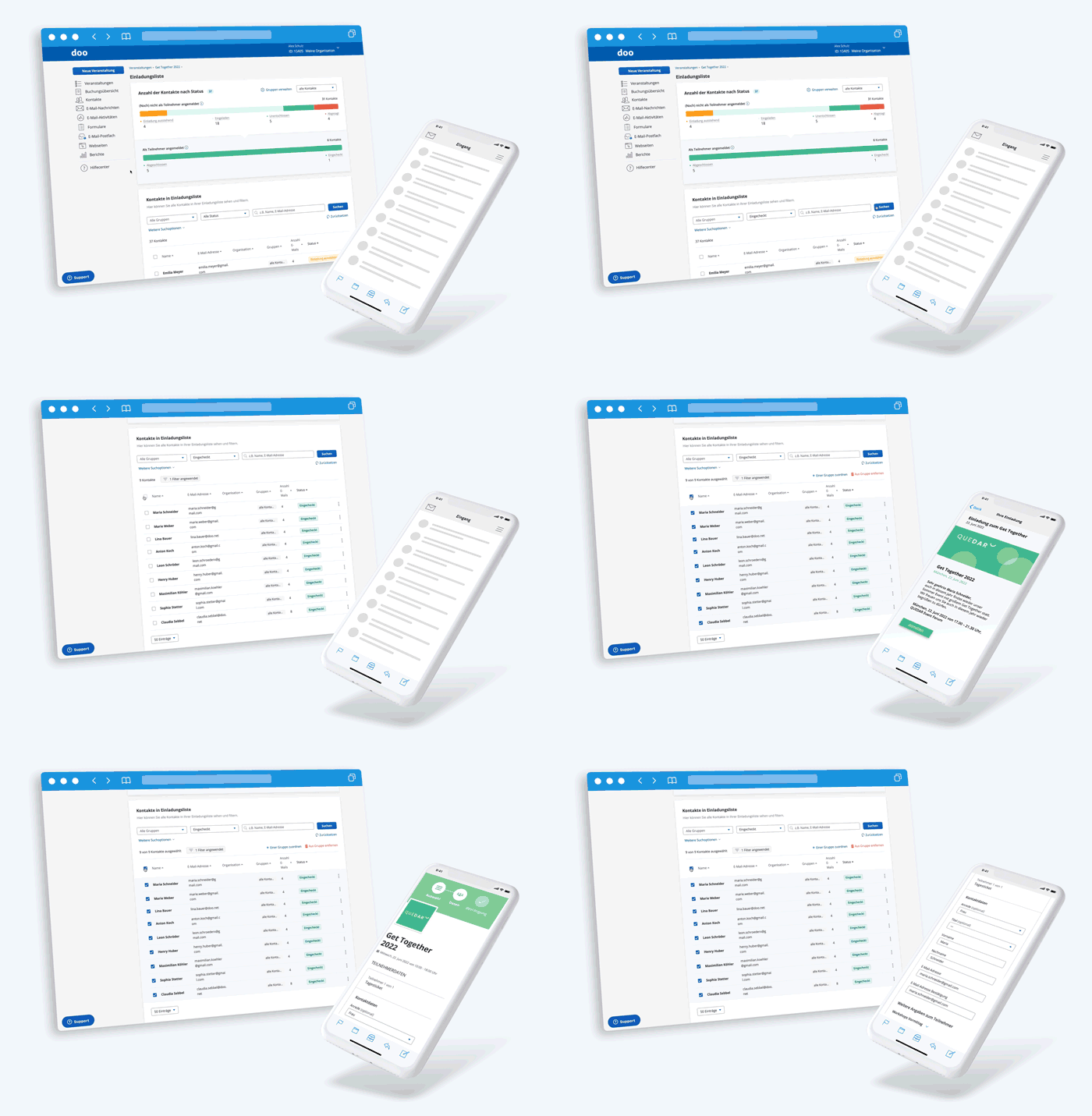
From personalized content to dynamic placeholders, the email editor offers numerous options for always addressing the right people with the right messages – all GDPR-compliant, of course. A wide variety of selection options based on your recipients' behavior ensures this. For example, personalized links allow you to offer convenient and time-saving registration with pre-filled input fields.
Guy Hawkins
President of Sales

Guy Hawkins
President of Sales

Guy Hawkins
President of Sales

Central email mailbox
The perfect basis for one face to the customer
Manage and collect email responses from participants across all teams in one email inbox – and respond centrally from there. Your inbox isn't just for sending invitations or information to a group of contacts, but also allows you to communicate individually with them if they have any questions.
Guy Hawkins
President of Sales

Guy Hawkins
President of Sales

Guy Hawkins
President of Sales

Guy Hawkins
President of Sales

Guy Hawkins
President of Sales

Guy Hawkins
President of Sales
Guy Hawkins
President of Sales
Guy Hawkins
President of Sales
Guy Hawkins
President of Sales
Guy Hawkins
President of Sales
Guy Hawkins
President of Sales